Game Day Grill
Website Design Team 2023
By Evan Tanner
Skills
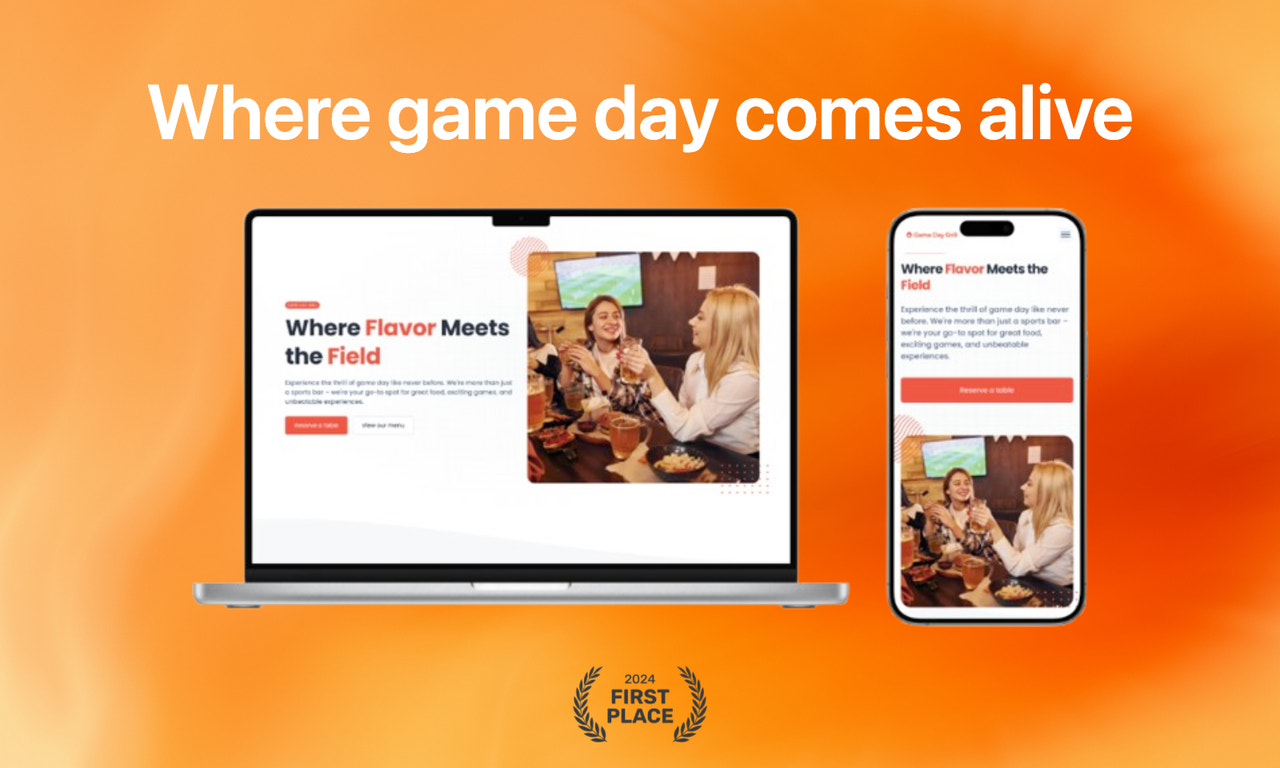
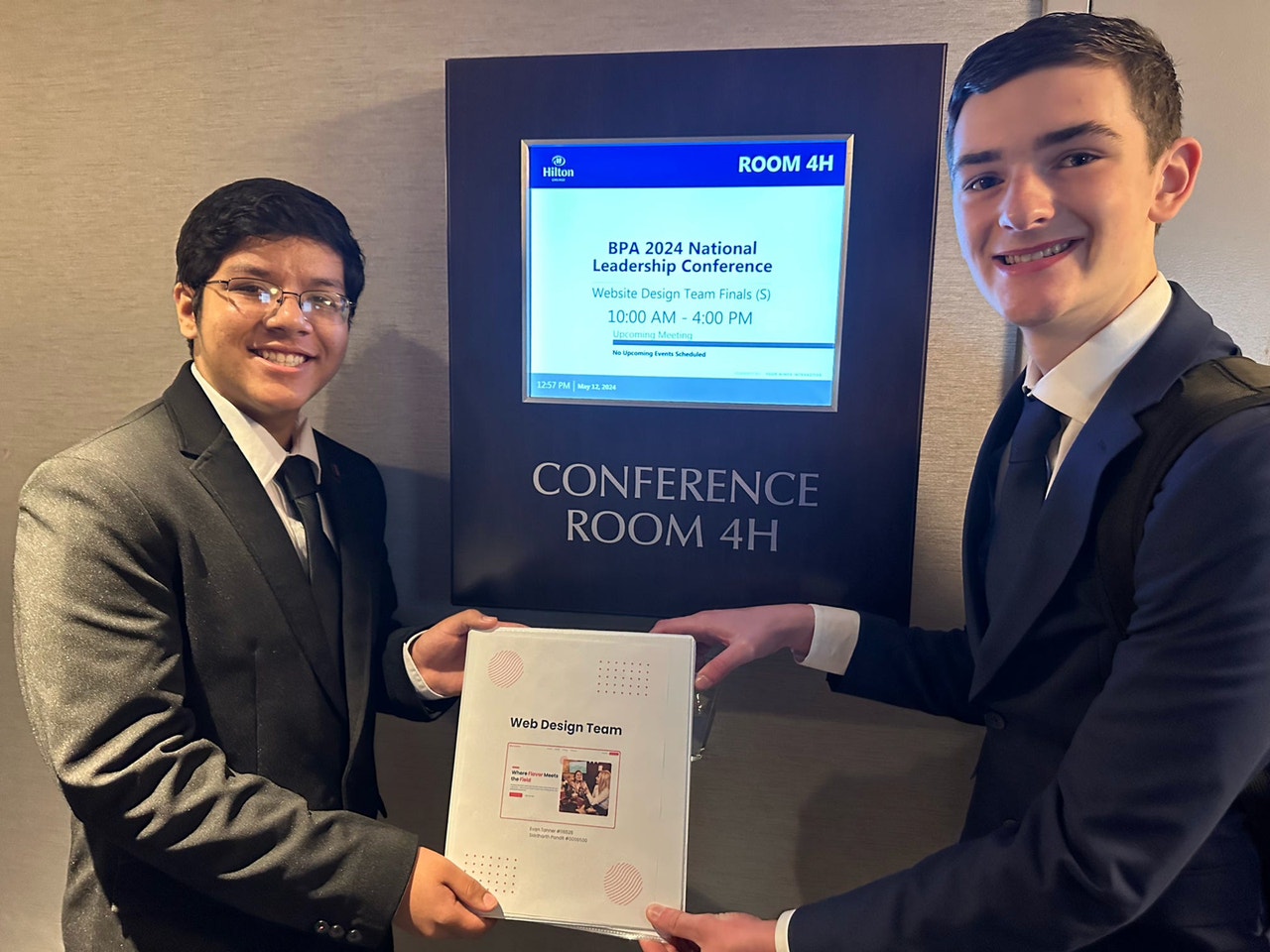
My freshman year of high school turned out to be a major milestone for me in terms of my development in the area of web development. For many years prior to this point, I spent a lot of time designing and developing websites, trying out various types of technology, and learning how to program by myself. My teacher suggested that I participate in the Business Professionals of America (BPA) program. Up until this time, most of the work that I produced was done for my personal enjoyment. Participating in the BPA program provided me with the opportunity to use my skills in a competitive environment, and determine how well they would stand against other students who participated in the same event. During the 2023–2024 competition season, I participated in the Website Design Team event. This event required us to design and develop a website for Game Day Grill, a fictional sports-themed restaurant. Our site needed to include menu items, the ability to place orders online, processing of payment, information about upcoming special events, reservation capabilities, and contact information. In addition to meeting these basic requirements, I wanted to develop a site that truly resembled a actual restaurant, with interactive elements and functionality that you would find in a typical restaurant setting. Although I started out as a newcomer to BPA competitions, the project that I developed ultimately became one of the greatest accomplishments in my early development career.
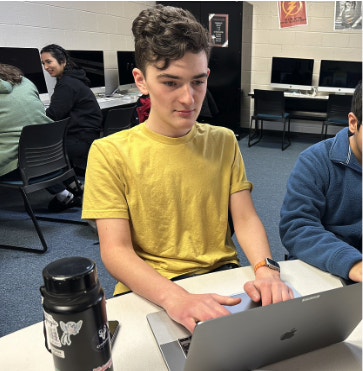
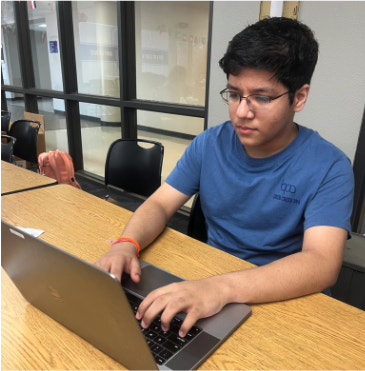
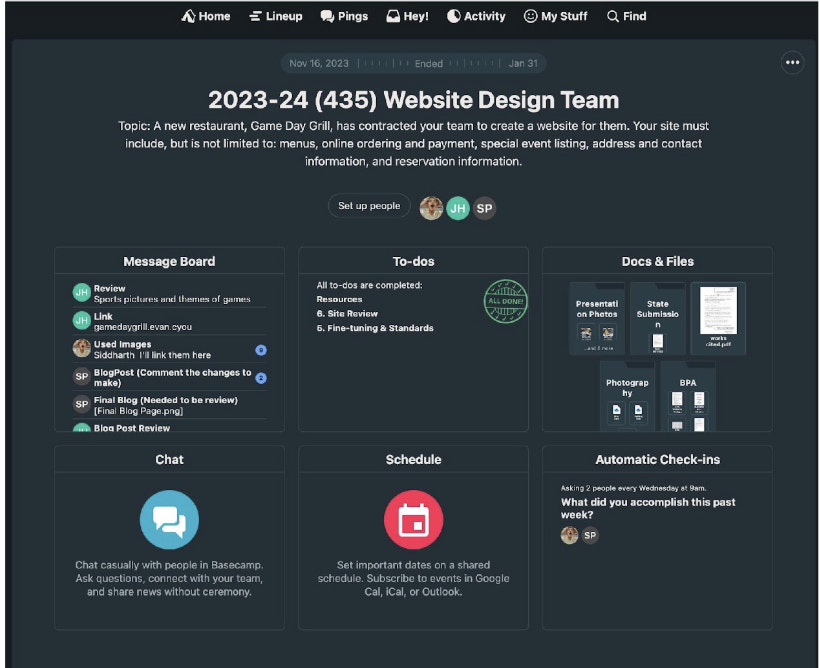
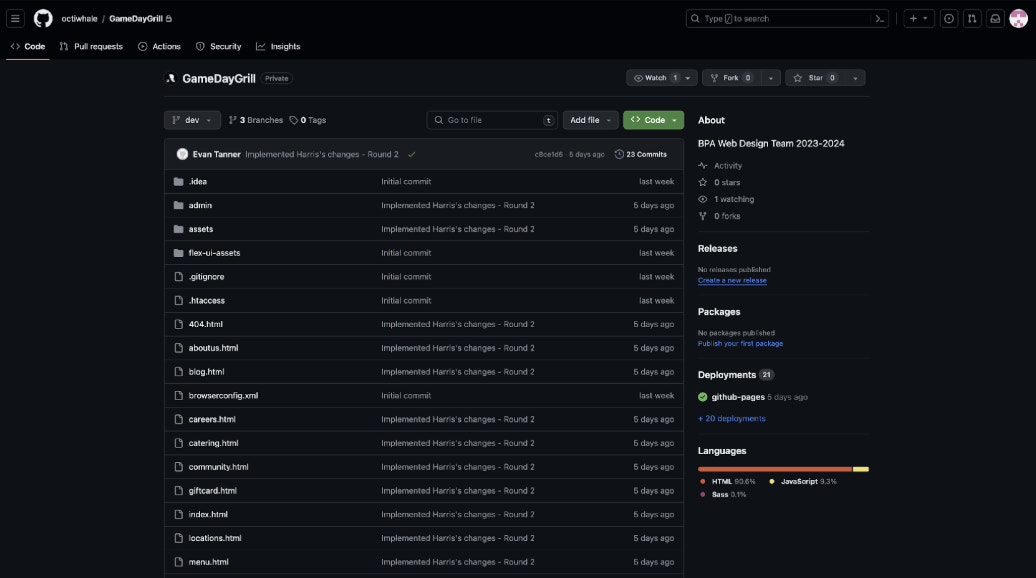
As a team leader for the BPA competition, I chose to use only one partner for the competition, even though teams of up to four people are permitted. Siddharth Pandit joined me as a teammate, and we split our duties based upon each other's strengths. My primary responsibility was developing both the front-end and back-end portions of the project; managing our assignments; and guiding the direction of our project. Siddharth was responsible for researching, writing copy, and documenting our progress. Siddharth already had experience with web development, and I provided him with additional training as we worked together. We utilized Basecamp to track our progress, and GitHub to store our source code. Working with a partner is different than working alone. When working with a partner, you must consider what your partner can do to help you develop your project faster, without interfering with the development process. As a team leader, you are also responsible for explaining technical decisions to your team members; giving them assignments that will allow them to grow as professionals; and maintaining organization in the face of managing my freshman year of high school and competing in another BPA competition independently.
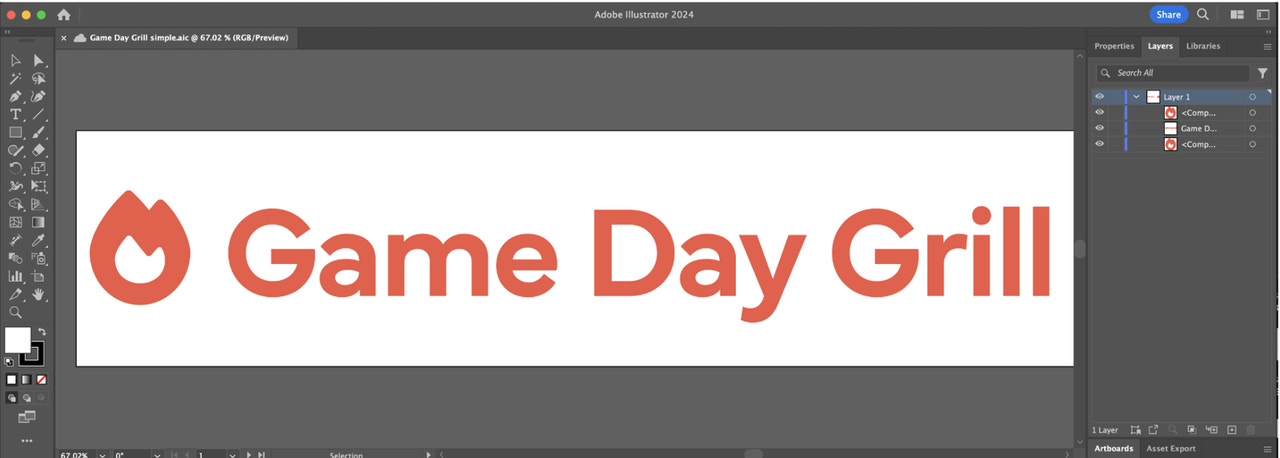
The first thing we did was search for other restaurant websites on the internet and examine what they did well in terms of layout, navigation, visual design, and how they presented food and restaurant-related information. Since I wanted Game Day Grill to have the appearance of a real, long-standing business as opposed to just another generic contest entry, we paid close attention to the site's overall visual identity. To achieve this, we designed a custom flame-inspired logo, chose a warm red/orange color palette, and utilized a customized Tailwind CSS setup to maintain consistent styles throughout the site. The utility classes provided by Tailwind enabled us to create responsive layouts; SASS/SCSS enabled us to better organize our CSS code for more efficient styling. Additionally, we utilized jQuery to add interactivity to many different parts of the website. To provide us with high quality photos for the site, we partnered with TapTapEat, a local company that provided us with restaurant-related images and licensed image rights to us. In addition to these images, we obtained additional photos through Adobe Stock and Envato Elements. All images were converted to WebP format to minimize file size and maximize load times. In order to ensure that users could access all areas of the site regardless of device type (desktop vs mobile), we created two distinct versions of the navigation system: a drawer menu for mobile users and a traditional navigation bar for desktop users. Every design decision made during the process contributed to creating a sense of completeness and consistency for the fictional restaurant.
Our ambitious ordering system was perhaps the most complex part of our website. Instead of having a static menu of the restaurant, we created a way for users to interactively search for food, find special menu items, add those items to their shopping cart, remove items from their shopping cart, and change the quantity of items they had selected. I implemented all of the shopping cart functionality without using any third-party commerce software so that I would be able to directly control how the user would interact with the shopping cart. Whenever a user added or removed items from their shopping cart, the system automatically updated the total amount due and any tax that would apply. Users also had access to a discount code system; if they entered a promotional code, they could instantly see the discount taken off of the final price. We even provided a demo code (NLC2024) during our national competition that would provide a 20% discount on all purchases. After a user submitted an order, the system determined how long the user should expect to wait for their order to arrive. These are just some examples of the types of details I wanted to make sure I got right when creating an ordering experience - it should be interactive and respond to what a user does, not just give them a bunch of forms to fill out.
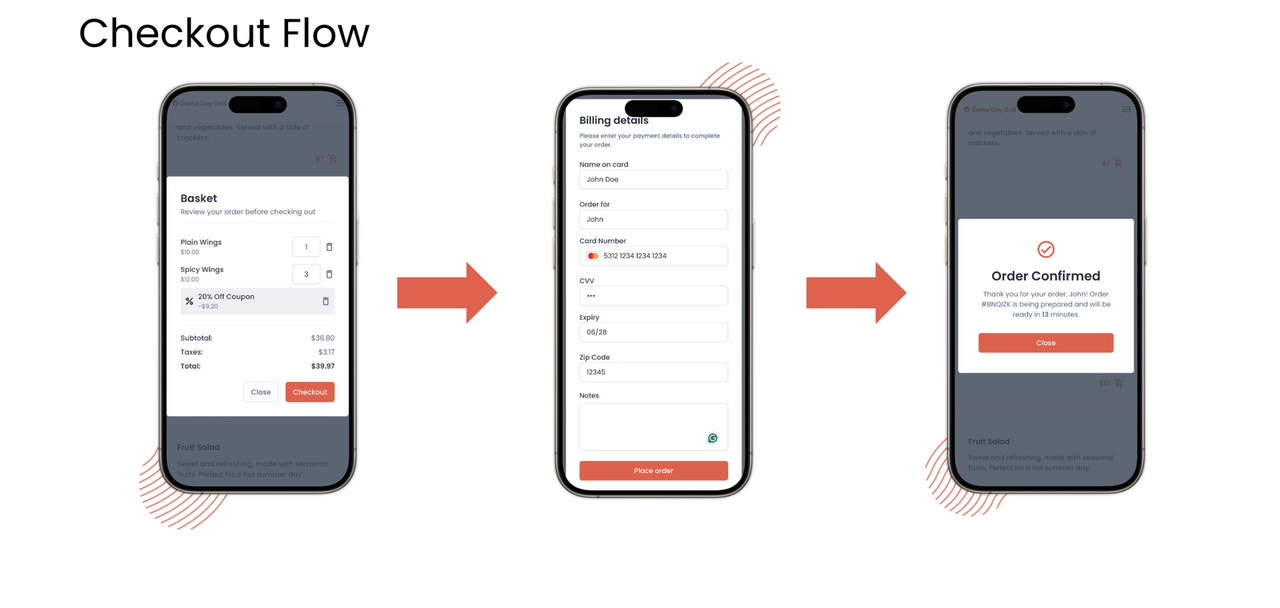
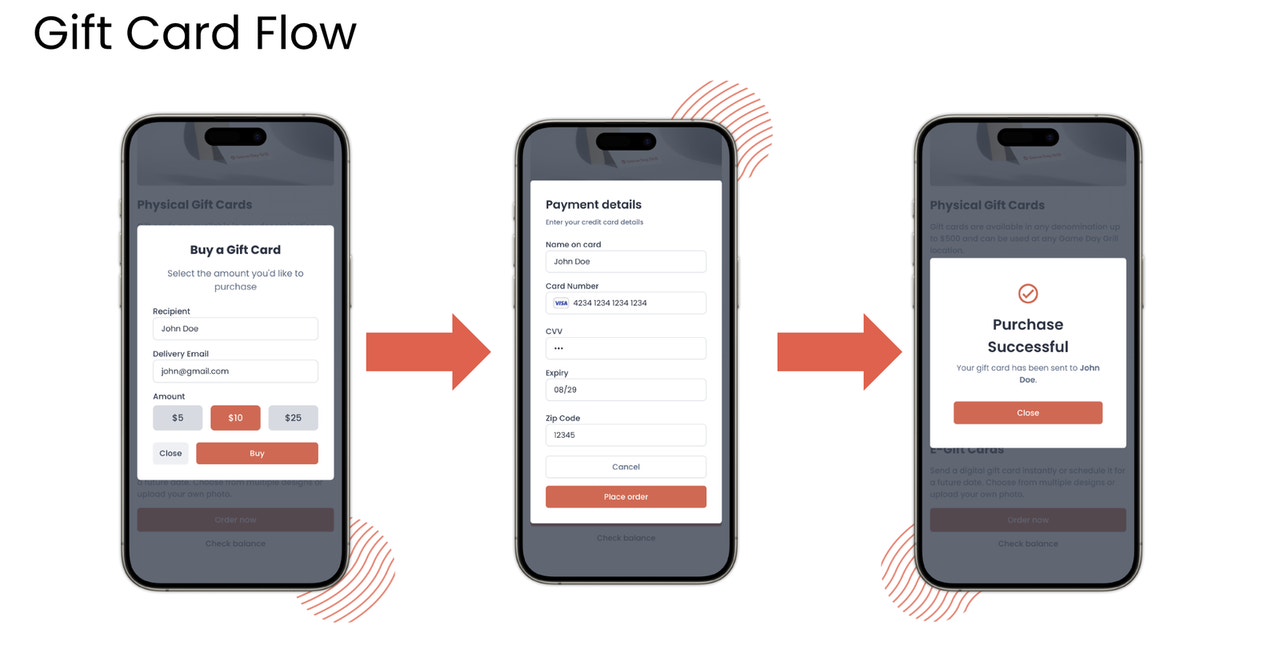
I then developed this experience further by creating a multi-step checkout process. Visitors would be able to view their shopping cart in a modal; apply coupons or discounts; proceed to entering payment information; and finally receive an order confirmation. Even though the site was not integrated with an actual payment processing service, I created front-end interactions to show users what a fully functional checkout process would look like. I included automatic credit card issuer detection on the forms, so when a user types in their credit card number the site automatically updates with the correct logo for that issuer. Additionally, I added several features that improved the usability of the forms. Examples include: auto-formatting of phone numbers and payment information; auto-completion of email domains; and automatic movement to the next form field once a user successfully completes filling out one field. Individually these enhancements may appear to be very small, however collectively they significantly improved the responsiveness of the site to the user. I applied many of these same types of interactions to the Gift Card system. Here users can choose the amount of money they wish to put on a Gift Card; fill out the recipient's contact information; go through a payment-like interface; and ultimately receive a purchase confirmation. Additionally, I added an eight-character Gift Card Balance Lookup feature, providing yet another avenue for customers to engage with the restaurant beyond simply ordering food.
In addition to developing the online ordering system, we also created additional interactive components that supported the daily operation of the restaurant. On the reservation page, users were able to select a specific date and available time slot; identify the number of people in their party; indicate whether they would prefer to sit at a patio, booth, or table next to a TV; and submit any special requests. To illustrate dynamic availability, we configured the interface so that users could not make reservations on Tuesday. We also developed a Careers Directory that enabled potential employees to view current job openings; sort opportunities based upon location, schedule, and job title; review job descriptions; and fill out an employee application form. The site also contained a Contact Us form; a Rewards Program enrollment process; and a Blog that allowed users to filter articles by category. Finally, we developed an Administrative Dashboard interface with charts and restaurant performance metrics. Developing these components allowed us to examine many forms of user interaction (e.g., filtering, data entry, modal processes, confirmation screens) while maintaining consistency across all parts of the site.
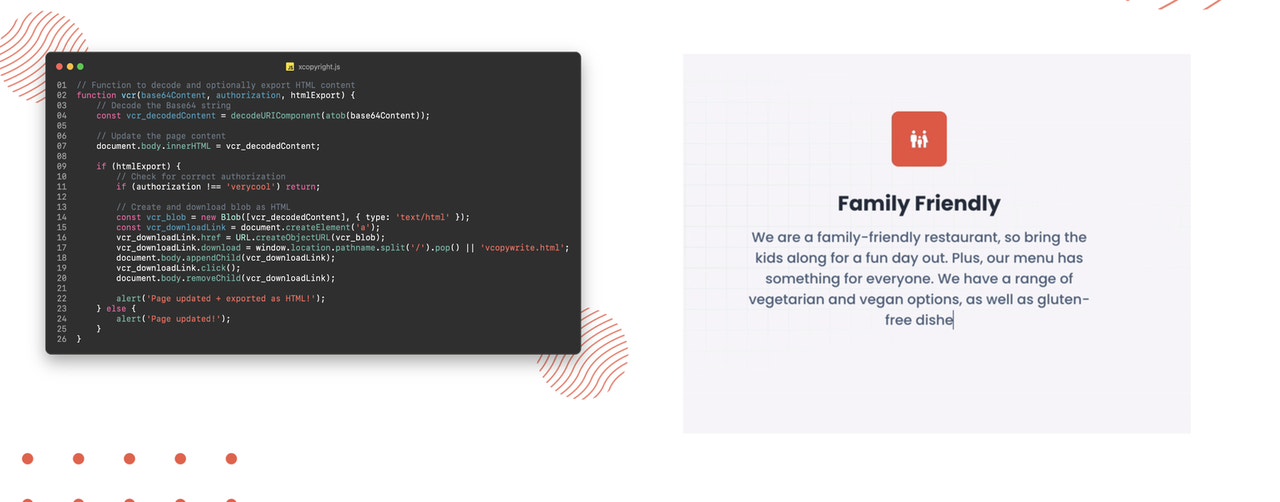
One of my top tech solutions was created based on an issue we had with our team. Because Siddharth did so much writing, I wanted him to be able to make changes to pages without having to go through HTML files or understand everything about the code base. Instead of me copying each change over myself, I developed a custom tool called vCopywrite. With a keyboard shortcut, he would open up a rich text editing mode in the browser and could change what people saw on the page. Then with another shortcut, he would save those changes as.vc files that he could transfer to another machine, re-open them there, and convert them back into HTML. We now had a way to collaborate on the same site and keep our copywriter focused on writing and not on technical aspects of developing the site. It was fun to create this tool because it was something we needed and showed that a simple custom tool can help teams work together better. Along with the ordering system, this was one of the unique features that we were able to discuss with the judges.
During the time we spent creating the website, we continued to make changes to how it looked and functioned. We obtained input from a web design professional in Oklahoma City, who looked over what we had created and provided suggestions for improvement. In addition to using professional development tools (e.g., Prettify) to maintain consistent coding practices, we utilized IntelliJ's code suggestion tool to help us improve our HTML coding practices and verify that they met web standards. Because of the number of pages and user interactions on the site, organization was as important as developing specific features. It was necessary for us to ensure consistency in our visual design, that users could navigate the site on either a desktop computer or a smartphone/tablet, and that the various user experiences were consistent with each other. To prepare for the competition, we needed to learn how to explain the technical work involved in developing the site. Therefore, we developed a presentation describing our research process, design decisions, use of programming languages, licensed media, team responsibilities, and interactive features. Additionally, the ordering/checkout systems, reservation systems, gift card purchasing systems, and vCopywrite allowed us to demonstrate that we took on challenges beyond just the visual design.
At the same time, I entered the BPA's Fundamentals of Website Design event individually. This event required me to develop a completely different set of skills. The event consisted of two parts: a 25 question knowledge exam and then a hands-on practical exercise to recreate a website if you passed the first part. I advanced to the state level and received three reference images of a website. I was required to recreate the design using only Microsoft Notepad with no code completion or other modern development tools. I did not have access to the internet during this competition. This was quite different than working on Game Day Grill as I was able to utilize frameworks, development environments and work with Siddharth. Therefore, in the Fundamentals of Website Design event, everything depended on my knowledge of HTML, CSS, layouts and how well I could convert a visual reference into working code. Working on these two events simultaneously allowed me to develop a large team website while also preparing for an individual technical challenge; all while adjusting to my freshman year of high school. These two events provided me with the opportunity to show the larger process of developing a website and the basic principles involved in writing a website from scratch.
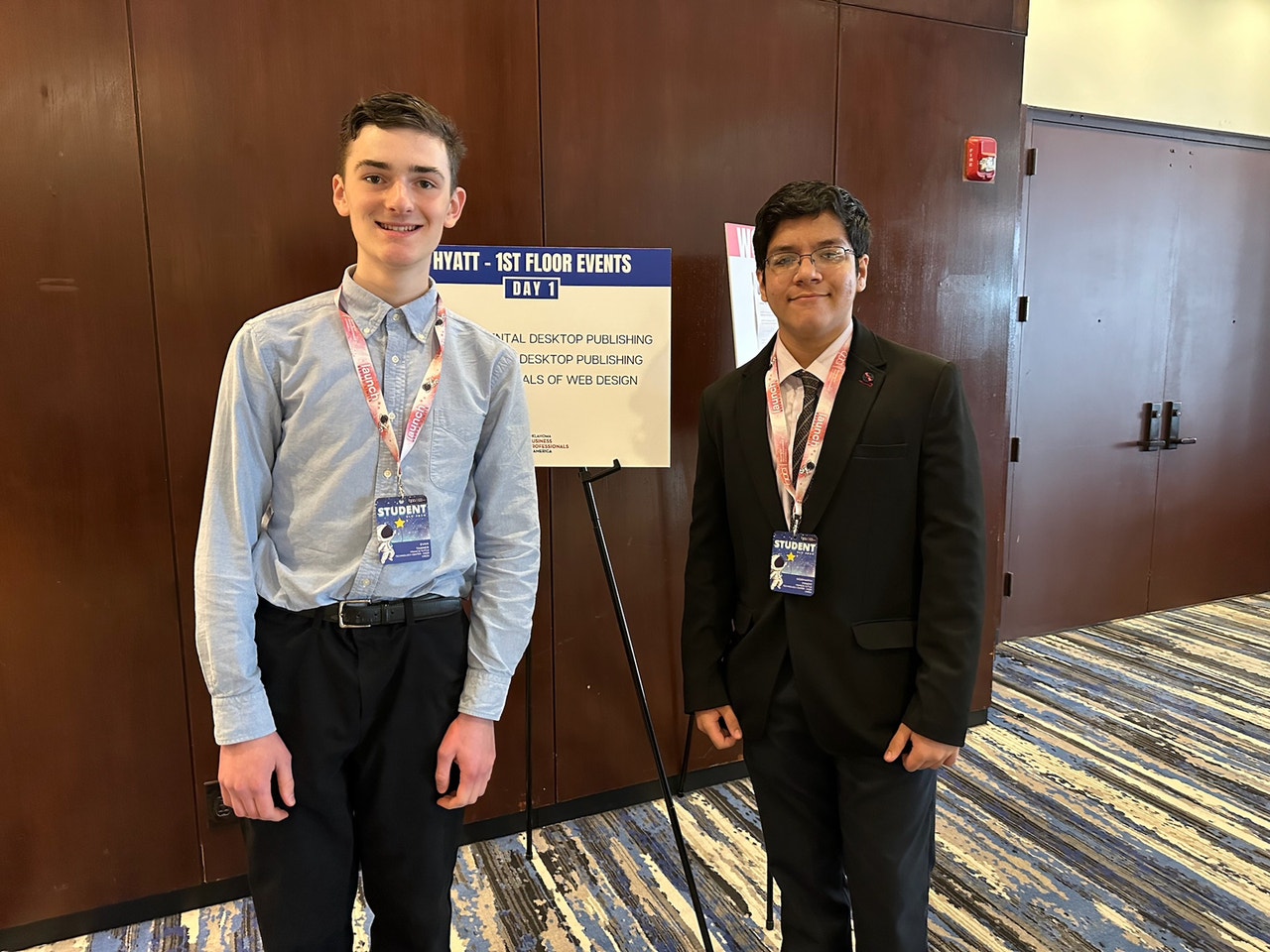
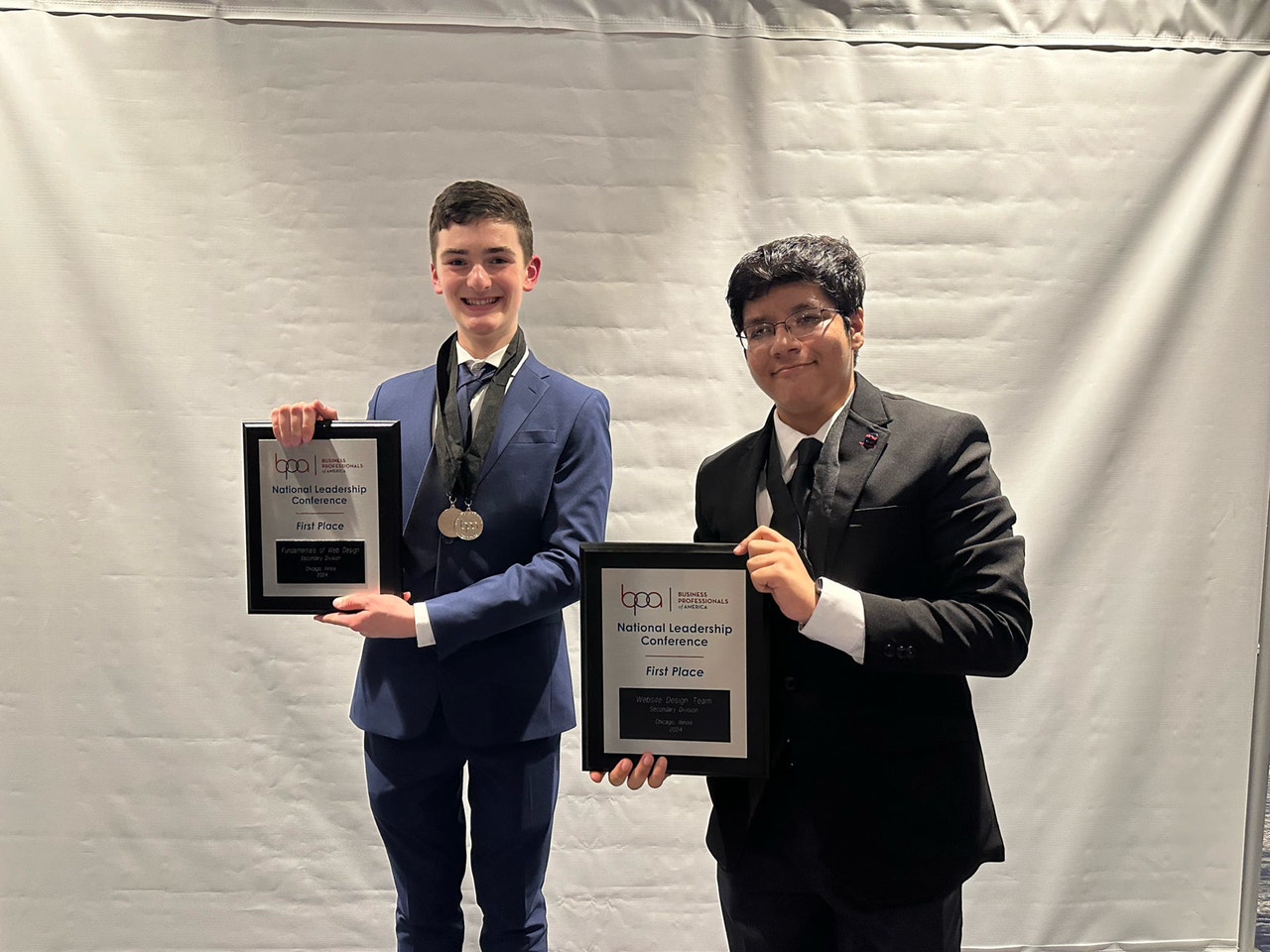
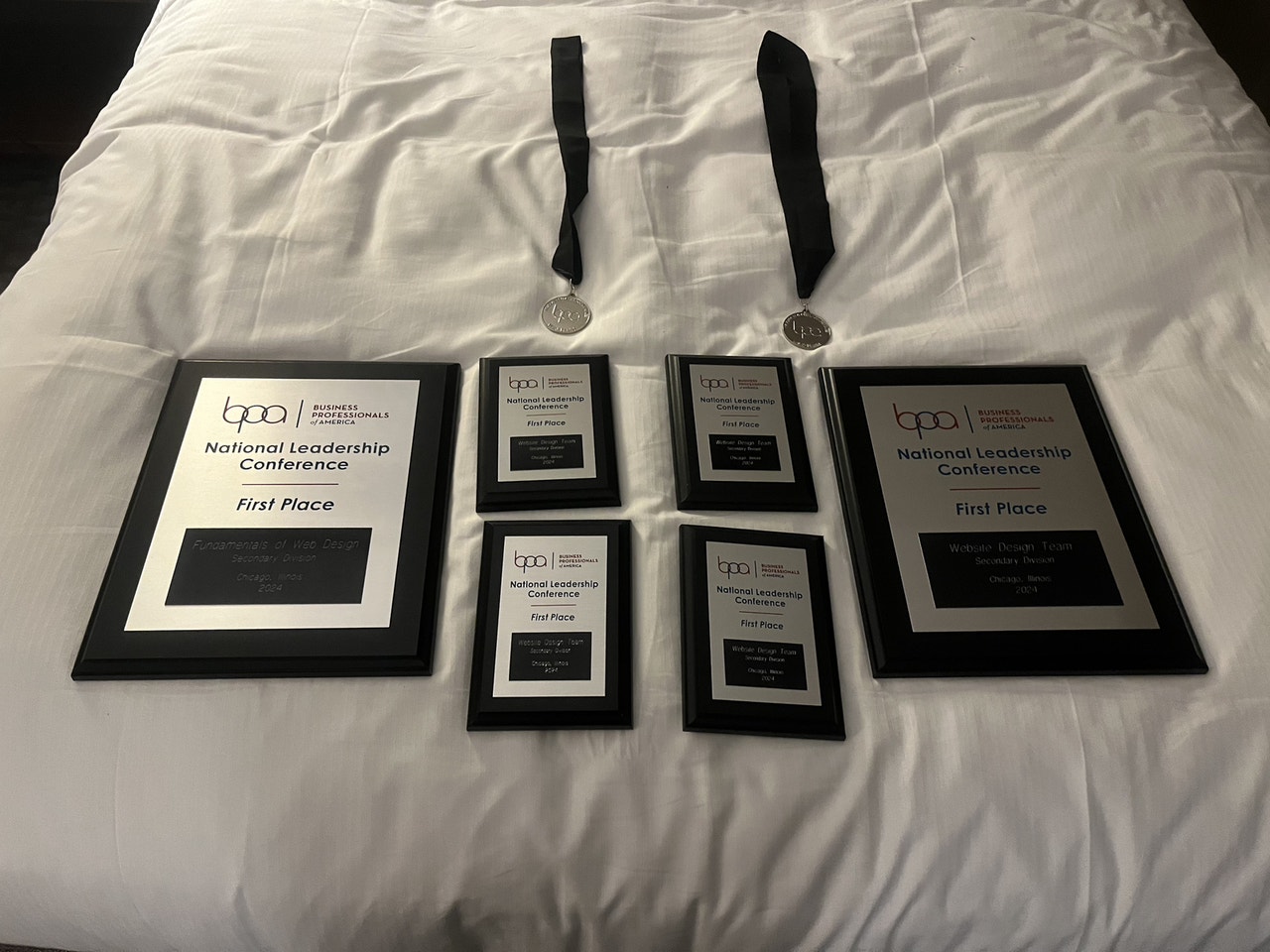
The outcome of this competition is something that will remain with me forever. Not only did Game Day Grill win first place in BPA's Website Design Team Competition at both the state and national level; but also, I won first place at both the state and national level in Fundamentals of Website Design. It was the first time that I entered into any competition, and I had received four first-place awards for two different events. I am particularly proud of the accomplishment of Siddharth and myself working together. We had taken a fictional restaurant idea from a prompt and created a fully functioning website with custom ordering capabilities, checkout, reservation systems, job application forms, gift card purchases, rewards program integration, responsive layout design, and even our own custom content editing tool. Additionally, I took skills that I had independently developed over several years and applied them to a larger scale project than I ever anticipated being judged on. Game Day Grill has become a major component of my portfolio as a result of the award recognition; however, it was also due to the technical work involved, the creativity used, the collaboration that occurred, and the leadership responsibilities associated with leading our team. Reflecting on this experience, it was the catalyst that changed my perspective of web development from something that I enjoyed doing on my own, to something that I knew I wanted to pursue.